If you applied for SNAP benefits in Florida, you may be asked to upload documents to verify your information.
Uploading documents correctly is one of the most important steps to avoid delays or denial of your application.
In this guide, we’ll show you exactly how to upload documents for SNAP in Florida using MyACCESS, what documents are required, and how to fix upload issues.
Quick Answer: Upload Documents SNAP Florida
To upload documents for SNAP in Florida:
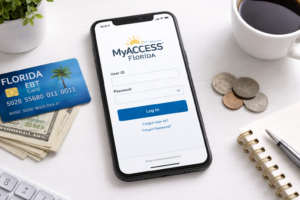
- Log in to your MyACCESS account
- Go to your case dashboard
- Select “Upload Documents”
- Choose your file
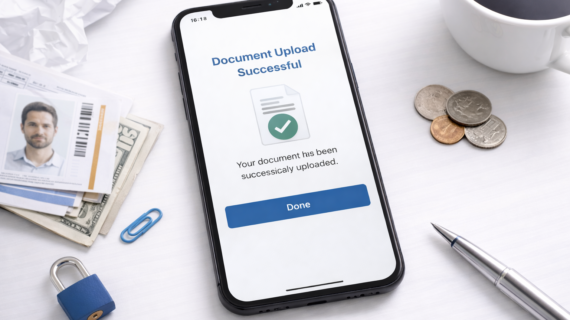
- Submit and confirm upload
Uploading documents online is the fastest method.
Step-by-Step: How to Upload Documents
Step 1: Log in to MyACCESS
Go to your account and log in.
Step 2: Go to Your Case Dashboard
Access your SNAP application or case details.
Step 3: Click “Upload Documents”
Select the upload option for your case.
Step 4: Select Your File
Choose the document from your device.
Step 5: Submit Your Documents
Confirm the upload and wait for verification.
What Documents Can You Upload?
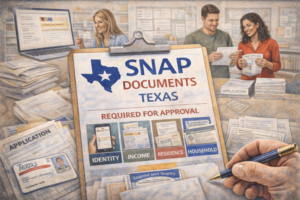
You may need to upload:
- Proof of identity
- Proof of income
- Utility bills
- Rent or housing documents
See full checklist:
Documents needed for SNAP Florida
Accepted File Types
- JPG or PNG images
- Scanned documents
Make sure files are clear and readable.
Tips for Successful Upload
- Use clear, high-quality images
- Avoid blurry or cut-off documents
- Upload all documents at once
- Double-check before submitting
Common Upload Problems
- File too large
- Unsupported format
- Slow internet connection
- Upload not confirmed
How to Fix Upload Issues
- Compress your file size
- Convert to PDF or JPG
- Try a different browser or device
- Upload again and confirm
How to Know If Documents Were Received
You can check your status after uploading.
What Happens After Uploading Documents?
After submitting documents:
- Your case will be reviewed
- Verification will be completed
- A decision will be made
See timeline:
How long SNAP approval takes in Florida
FAQ: Upload Documents SNAP Florida
How do I upload documents for SNAP Florida?
Log in to MyACCESS, go to your case, and upload your files.
What documents are required?
ID, income proof, and housing expenses are commonly required.
Can I upload documents from my phone?
Yes, MyACCESS supports mobile uploads.
Why is my upload not working?
This may be due to file size, format, or connection issues.
How do I know if documents were received?
Check your application status in MyACCESS.
Final Thoughts
Uploading documents for SNAP in Florida is a simple but critical step in the application process.
By submitting clear and complete documents, you can avoid delays and get approved faster.
If you’ve been asked to upload documents, don’t wait—submit them as soon as possible.